
Live quizzes
Quizzes
Build quizzes from eleven question types - choice, true/false, ordering, matching, gaps and more - and run them live, with instant results.
What is Quizzes?
Quizzes are a classic, engaging tool. In the editor you build any number of questions across eleven types - from classic choice to image hotspots and fill-in-the-gaps - arrange their order and save the quiz to your organization’s library so you can run it again and again.
When you launch a session, a letter code and a QR code appear on screen. Participants join from their phones without logging in or installing an app, while you control the pace of the questions and watch the answers come in live.
See it in action
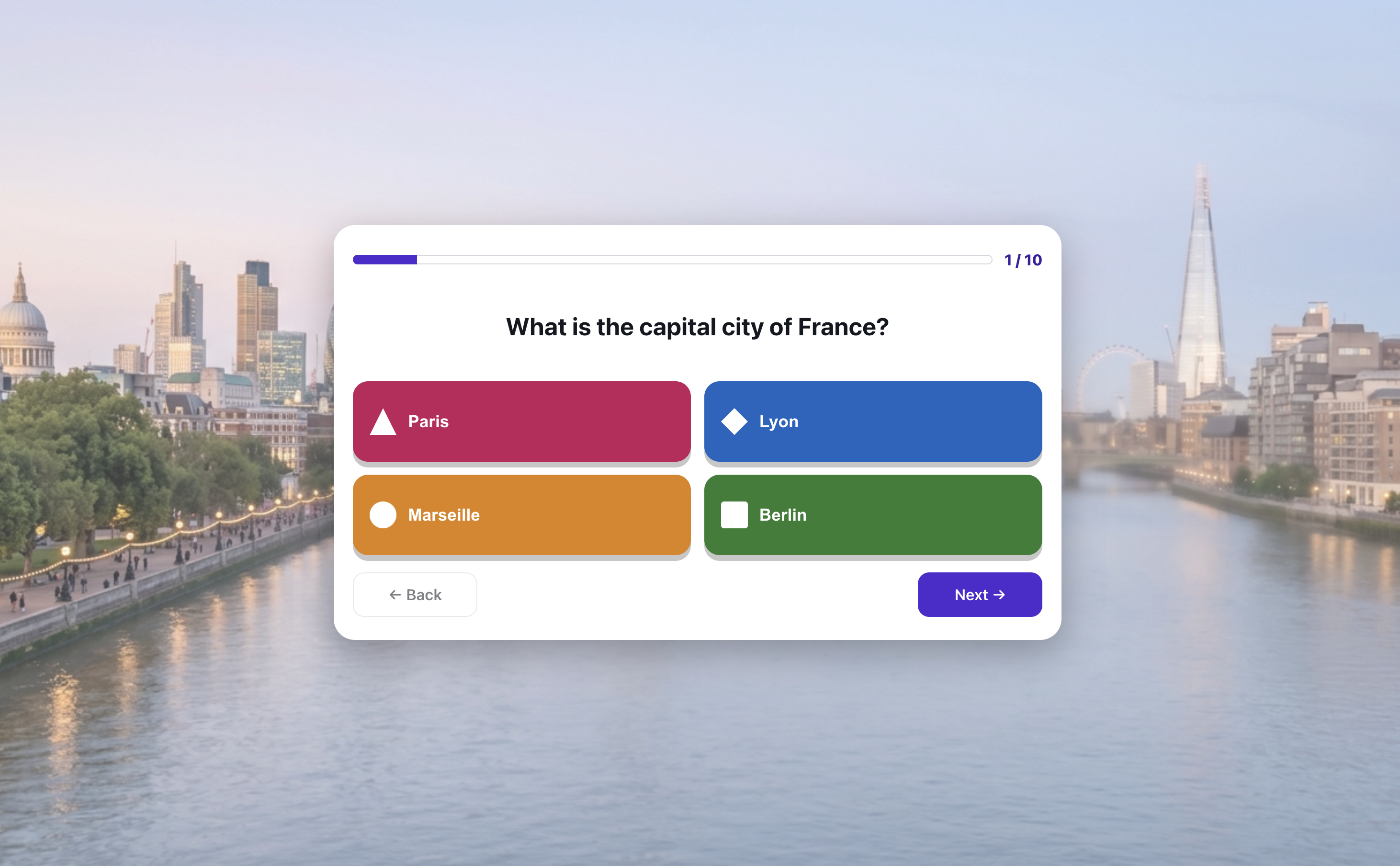
Question, answers, leaderboard - in seconds
Features
Key capabilities
Eleven question types
Single and multiple choice, true/false, a typed answer, put-in-order, match-the-pairs, fill-in-the-gaps, point-at-the-image (hotspot), a scale slider, an ungraded poll question and a content slide between questions.
Colorful answer shapes
Each answer has its own color and shape - clear on the projector and on a phone screen, just like the best quiz platforms.
Join by code or QR
Participants enter with a single scan or by typing a code - anonymously, no accounts and no app.
Post-session reports
When you finish, download detailed reports with the results of individual participants and the whole group.
Library, duplication and moving questions
Save quizzes, duplicate them as a starting point for new ones, and edit questions in a convenient builder. A pack of questions moves or copies between quizzes, and one move turns a quiz into a quiz show, a tower defence or a board race - and back again. Nothing happens silently: before you copy you see which questions go across untouched, which need adapting and why one cannot go at all.
Analytics and a review quiz
The report flags the hard questions, breaks results down by topic tag and shows average answer times - one click turns the weakest questions into a review quiz.
Import from Kahoot's spreadsheet
Got questions in the .xlsx template Kahoot has you fill in before an import? In the editor choose Import questions, then Kahoot spreadsheet (.xlsx). Every filled row becomes a single- or multiple-choice question with the time limit from the sheet. Any row that cannot come across is shown with its number and the reason before anything reaches the quiz. The spreadsheet does not carry pictures.
Step by step
How it works
Build the quiz
Add questions, set the correct answers and the order. Start from scratch or duplicate an existing quiz.
Launch the session
Click “Run” and Verbalu displays a code and a QR code to show to the room.
Participants answer
The group joins on their phones and picks answers - you move through the questions one by one.
Analyze the results
Discuss the answers live, then download a report with full results after the session.
Use cases
What it’s good for
- Checking knowledge after a training module or lecture
- An energetic start or a wrap-up of a group
- Team competition that builds engagement
- A quick read on what the group already understands and what needs review
- I want to check how much the group remembers from the morning
- A quick knowledge check without printing anything
- Wake the room up after the break with a phone-based contest
White label
Your brand for participants
On the paid plans you can add your company name, logo and colors, and during every session participants will see your brand instead of Verbalu.
Try “Quizzes” in Verbalu
Create a free account and run your first engaging session today. No card, no installation.