
Attendance
Attendance lists
Show a QR code and participants sign in with their number. See in real time who joined and when.
What is Attendance lists?
Attendance lists replace the paper sheet passing around the room. You create a list for a training or class and display a QR code and a letter code on the projector.
Participants open the link, give their number (and optionally their name) and sign in. You see live who signed in and at what time, and you can export the complete list to a spreadsheet. The list can also be split randomly into groups with one click.
See it in action
From QR code to a signed list
Features
Key capabilities
Sign in by QR or letter code
Participants sign in from their phones after scanning the code - no login required.
Number and name
Sign in with a student number (e.g. “07”) and, if needed, a full name too.
Live preview
See in real time who has already signed in and at what time they did it.
Random group split
With one click, split those signed in into a chosen number of groups for exercises.
Export to a spreadsheet
Download a ready attendance list to an Excel file; the list can be closed or reopened.
Attendance threshold and certificates
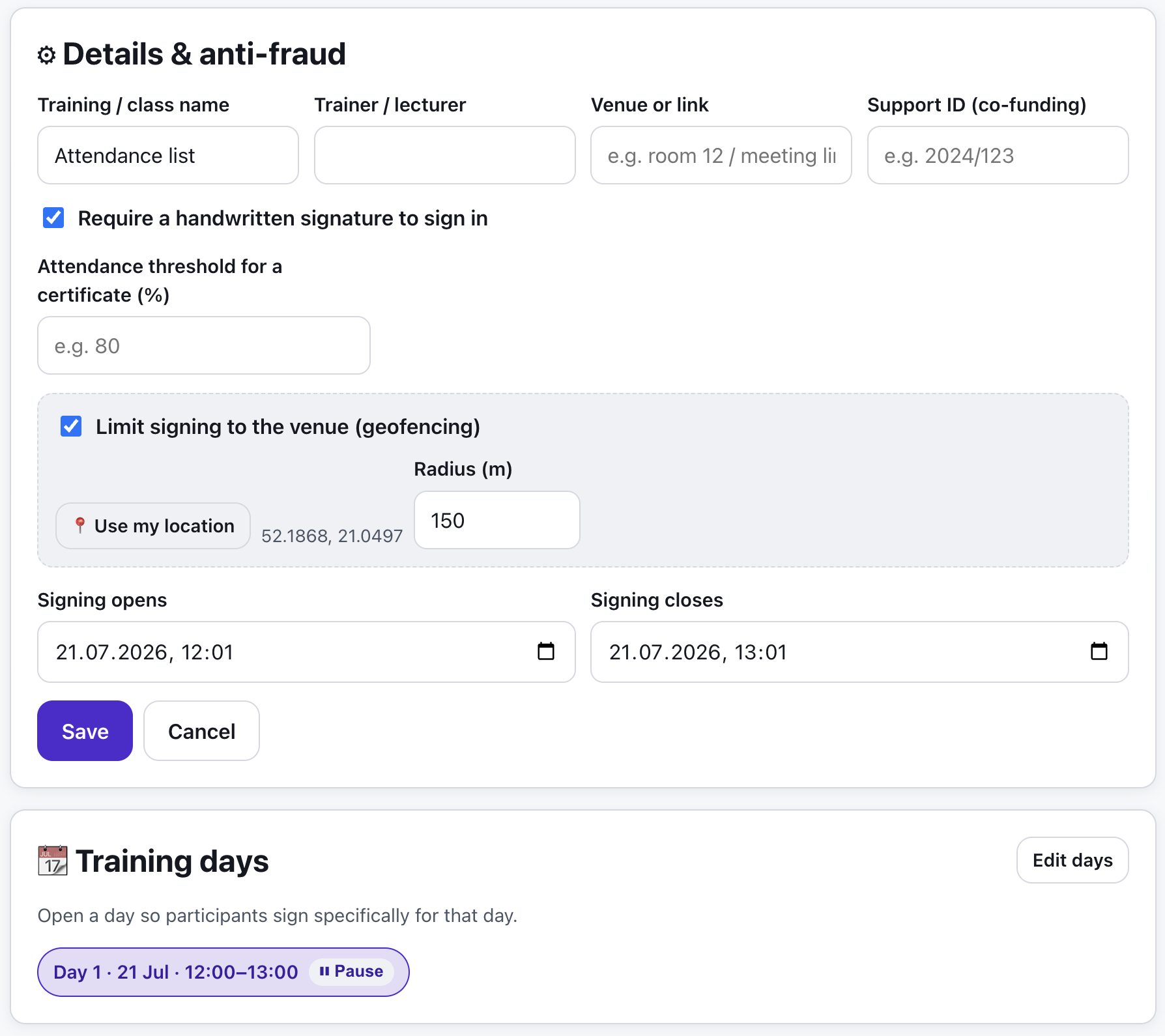
Set the required attendance percentage - the list computes each person’s frequency and hands the eligible names straight to the certificate generator.
Step by step
How it works
Create a list
Name the training or class - the host screen opens with a code and QR.
Display the code
Show the QR code and the letter code on the projector so the group can sign in.
Participants sign in
Everyone gives their number and signs the list from their own phone.
Export the result
Download the list to a spreadsheet or split participants into groups for further work.
Use cases
What it’s good for
- Confirming attendance at a training or lecture
- A quick attendance check at the start of class
- A random split of the group into teams for exercises
- Documenting participation for reports
- I need to document attendance to settle the training paperwork
- Take attendance without passing a sheet from hand to hand
- A participant list I can attach to the post-session report
White label
Your brand for participants
On the paid plans you can add your company name, logo and colors, and during every session participants will see your brand instead of Verbalu.
Try “Attendance lists” in Verbalu
Create a free account and run your first engaging session today. No card, no installation.